
Malaysia eSIM Setup Guide (2026): Fix Connection Issues Fast
This article contains promotional links.
The safest approach for a Malaysia eSIM is to download and save the profile before you leave home over your own Wi-Fi, then activate the line only after you land. If you can’t get connected once you arrive, working through data roaming and network settings in order usually solves the problem within a few minutes. This guide covers the setup steps for both iPhone and Android, plus what to do if things go wrong on the ground in Malaysia.
Should You Set Up Your eSIM Before Departure or After Arrival?
Download and save the eSIM profile (the QR code or activation code) before you fly, but wait until you’ve actually landed in Malaysia to switch the line on. Getting this order right avoids wasted time and unnecessary charges.
- Airport Wi-Fi can be crowded, and downloading a profile over a weak connection can take longer than expected.
- If you finish the setup at home beforehand, all you need to do after landing is switch the line on and you’re ready to connect.
- Activating the eSIM before you arrive can lead to unnecessary data use at home or during the flight itself.
- Mid-2026 is shaping up to be a busy period for East Asian summer travellers, with many people planning Malaysia trips around this time of year. Because departure day tends to get chaotic with packing and check-in, it’s worth handling the eSIM setup well in advance so it’s one less thing to worry about.
If you’re still finalising your packing list and itinerary, it’s worth reading alongside our Kuala Lumpur 3-Night, 4-Day Itinerary. For a sense of the climate and what to pack depending on when you travel, see Malaysia in September 2026: Weather, Clothing and Haze.
How Do You Set Up an eSIM on iPhone and Android?
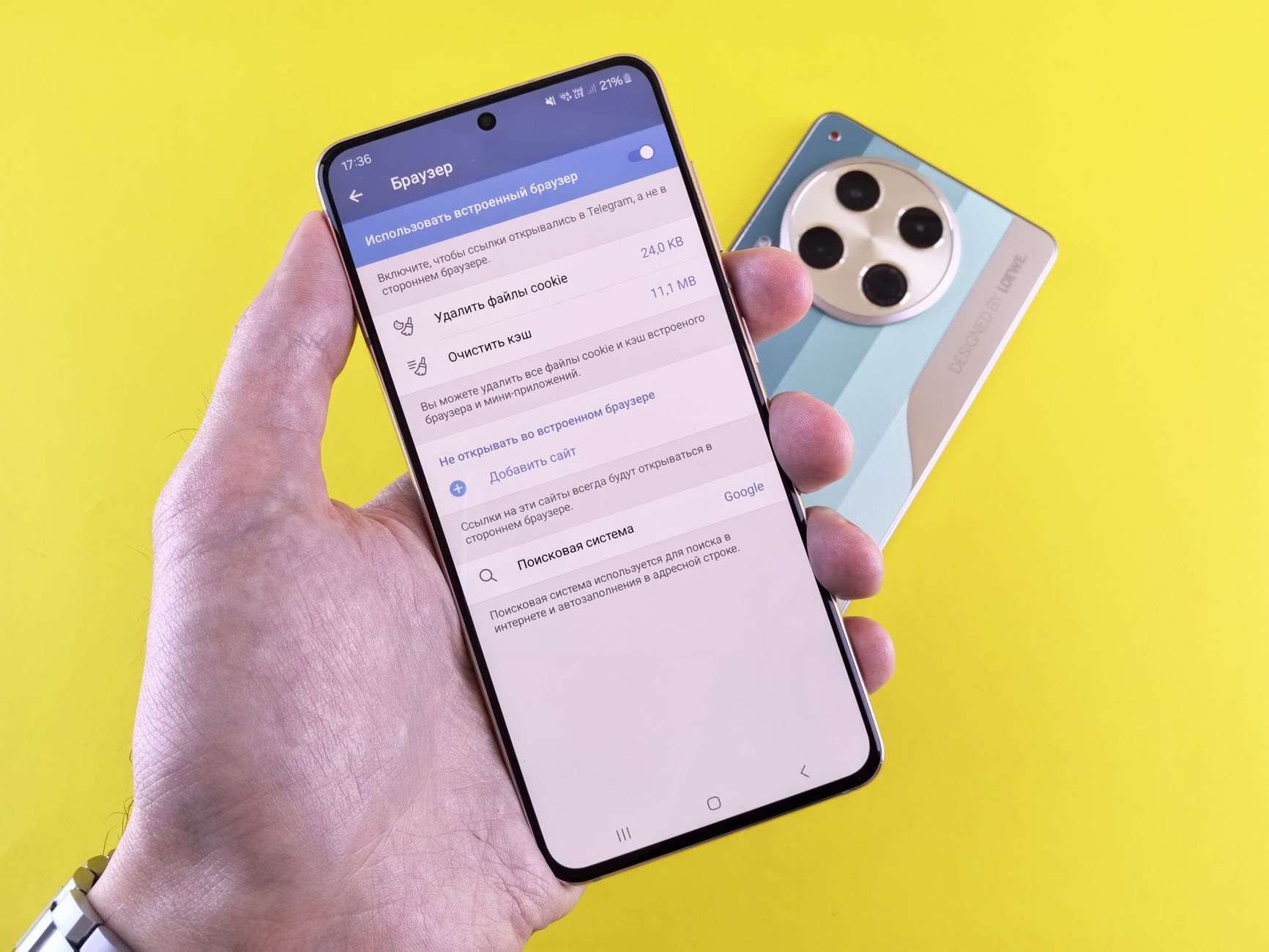
On iPhone you add the eSIM through the Settings app; on Android, it’s usually found under the network section of Settings. Exact wording varies depending on your device and OS version.
| Step | iPhone | Android (labels vary by device) |
|---|---|---|
| 1 | Settings → Cellular → Add eSIM | Settings → Network & Internet → SIMs |
| 2 | Scan the QR code or enter the details manually | Tap “Add eSIM” and scan the QR code |
| 3 | Give the plan a clear, recognisable name | Set a name for the plan |
| 4 | Choose which line is your “Default Line” and which handles “Mobile Data” | Select which line is used for mobile data |
| 5 | Turn on data roaming only after you arrive | Turn on data roaming only after you arrive |
To use an eSIM, your device needs to support eSIM technology, and depending on how you purchased your phone, it may also need to be carrier-unlocked. Check both of these details before you start the setup process.
What Should You Check First If You Can’t Connect on Arrival?
If you land and can’t get a signal, check these three things in order: data roaming, a restart of airplane mode, and manually selecting your network.
- Data roaming: Open the settings for your eSIM line specifically and confirm data roaming is switched on. If it’s off, the line will only work within its home country.
- Restart: Toggle airplane mode on and then off again, or restart the device entirely, to force it to reconnect to a network.
- Manual network selection: If automatic network selection isn’t picking anything up, manually choosing a carrier from the list can sometimes fix the problem instantly.
If none of this works, contact the support team or in-app chat for whichever eSIM provider you used and ask them to reissue the profile — this is usually the most reliable fix.
Should You Turn On Data Roaming, and What Do You Do With Your Home SIM?
Turn data roaming on for the eSIM, and leave your home country’s physical SIM (or your main line) active for calls and SMS only. This is the standard way to split the two.
If your phone supports dual SIM, setting things up this way removes any guesswork:
- eSIM: Set as your primary line for mobile data, with data roaming switched on.
- Home SIM: Keep active for voice calls and SMS, with data roaming switched off.
This way, you can still receive calls and SMS verification codes from home as normal, while all of your actual data use runs through the eSIM. If you’re planning a trip around the summer holiday period, it’s worth checking our July 2026 Malaysia Travel Guide while you finalise your dates.
Can You Use Tethering, Calls and SMS Verification on an eSIM?
Whether tethering (mobile hotspot sharing) works depends on your specific plan. For calls and SMS verification, it’s safer to keep your home SIM active.
- Tethering: Some data-only eSIMs still support tethering, but always check the terms of the specific plan before you buy. If you’re travelling with family and want to share one connection across several devices, a plan that supports tethering can mean fewer things to carry. Our Summer Holiday Family Malaysia Itinerary is a useful companion for planning a trip like this.
- Calls: Most travel-focused eSIMs are data-only and don’t support making or receiving calls through a phone number.
- SMS verification: Complete any SMS verification for apps like LINE or messaging platforms while your home SIM is still active, so you’re not scrambling for a code once you land.

Once you’re in Malaysia, most of what you need — ride-hailing apps, activity bookings — only requires a working data connection. For getting around, see How to Use Grab in Malaysia: Fares and Payment (2026), and for things to do once you’re connected, check our Top 10 Malaysia Activities for 2026.
When Should You Switch to a Local SIM Instead of an eSIM?
If you’re staying long-term and need a local phone number, or you’re heading somewhere with unreliable coverage, a local SIM is worth considering instead.

- If you’re staying on Malaysia’s east coast islands, where signal can be patchy, it’s worth pairing a local SIM with a multi-carrier eSIM as backup. Our Malaysia’s East Coast Island Resorts Guide breaks down coverage and conditions by island.
- If you’re relocating long-term under something like an MM2H visa, a locally contracted SIM — rather than a short-term travel eSIM — will make everyday life easier, since it covers calls and SMS as well. Our Complete Malaysia Relocation Guide covers what else to prepare for a longer stay.
- If your device doesn’t support eSIM, or the carrier lock can’t be removed, prepaid SIM counters at the airport or in the city are a straightforward fallback.
Which eSIM Plan Should You Choose?
For short trips, prioritise data allowance; if you’re visiting several countries, a regional plan tends to be more convenient. Compare a few providers before settling on the one that fits your itinerary.
If you haven’t picked a provider yet, Saily offers Malaysia-specific plans, and using the referral code “DOMUEH5022” gets you a discount worth roughly US$5 on standard plans or US$10 on Ultra plans (accurate as of August 2026, via the author’s referral program).
See Saily’s Malaysia plans on their official site
Frequently Asked Questions
Do I have to set up my eSIM before I leave home?
Setting up the profile before you leave is safer, but it’s also possible to complete the setup using airport Wi-Fi once you’ve landed if you run out of time beforehand.
Can I use an eSIM and a physical SIM at the same time?
Yes, if your device supports dual SIM, you can run both at once — using the eSIM for data and your physical SIM for calls and SMS is a common setup for travellers.
Does a carrier lock stop me from using an eSIM?
Some carriers require you to unlock your device before an eSIM will work, so it’s worth confirming this with your carrier before you travel.
When should I turn off airplane mode after landing in Malaysia?
Switch off airplane mode once you’re through the arrival gate, and turn on data roaming for your eSIM line at the same time.
Can I complete SMS verification for apps like LINE using an eSIM?
Most travel eSIMs don’t support SMS, so it’s best to finish any verification steps for apps that require it while your home SIM is still active.
Who should switch to a local SIM instead of an eSIM?
Anyone staying long-term, needing a local phone number for calls, or heading to areas with unreliable coverage, such as some of the outer islands, should consider a local SIM.
Summary
For a Malaysia eSIM, save the profile before you leave and activate it once you’ve landed. If you can’t connect, check data roaming, restart airplane mode, and try manually selecting a network, in that order. Keep your home SIM active for calls and SMS while your eSIM handles data. If you’re staying long-term or heading to areas with patchy coverage, switching to a local SIM is worth considering.
Related Reading
- What Is Halal? A Manners and Basics Guide for Malaysia Travellers
- Malaysia’s Best Durian Guide (2026)
- What Is Hungry Ghost Festival? A Guide for Malaysia Travellers
- Malaysia’s Merdeka Day (Independence Day) Complete Guide (2026)
Image Credits
- Photo: Angelyn Sanjorjo / Pexels
- Photo: Andrey Matveev / Pexels
- Photo: Gustavo Fring / Pexels
- Photo: Andy Barbour / Pexels
- Photo: Alexis Ricardo Alaurin / Pexels
- Photo: Leeloo The First / Pexels