
How to Use Grab in Malaysia (2026 Guide)
This article contains promotional links.
Grab is the most widely used ride-hailing service for getting around Malaysia. If you set up your account and secure a data connection before your trip, you can head straight into the city the moment you land, without any guesswork. This guide walks you through registration, pickup points, payment methods, and what to do if something goes wrong.
Do You Really Need Grab in Malaysia? Is It Cheaper Than a Taxi?
The short answer: yes, Grab is recommended for most travelers. Here’s why.
- The fare is confirmed in the app before you book, so there’s no risk of a dispute over the price after the ride.
- Driver ratings and vehicle details are shown before you confirm, so even first-time visitors can ride with confidence.
- Airport taxis typically require buying a coupon at a counter, whereas Grab lets you request a ride straight from wherever you’re standing.
That said, demand can spike late at night, during rain, or around major events, which can mean longer waits for a car. In those situations, it’s worth keeping the airport taxi counter in mind as a backup option.
Can You Sign Up With a Phone Number From Your Home Country?
Yes, you can create a Grab account using your home country’s phone number. However, you’ll still need a working data connection to use it once you land.
- Grab verifies accounts via SMS tied to your country’s phone number. The code will still reach you, but you need mobile data to receive it after arrival.
- Downloading the app and completing registration over home Wi-Fi before you leave will save you from running into trouble on the ground.
- It’s also worth adding your credit card details for payment while you still have reliable Wi-Fi at home.
Once registration is done, all you need to do once you land is book a ride.
Where Are the Grab Pickup Points at KLIA and KLIA2?
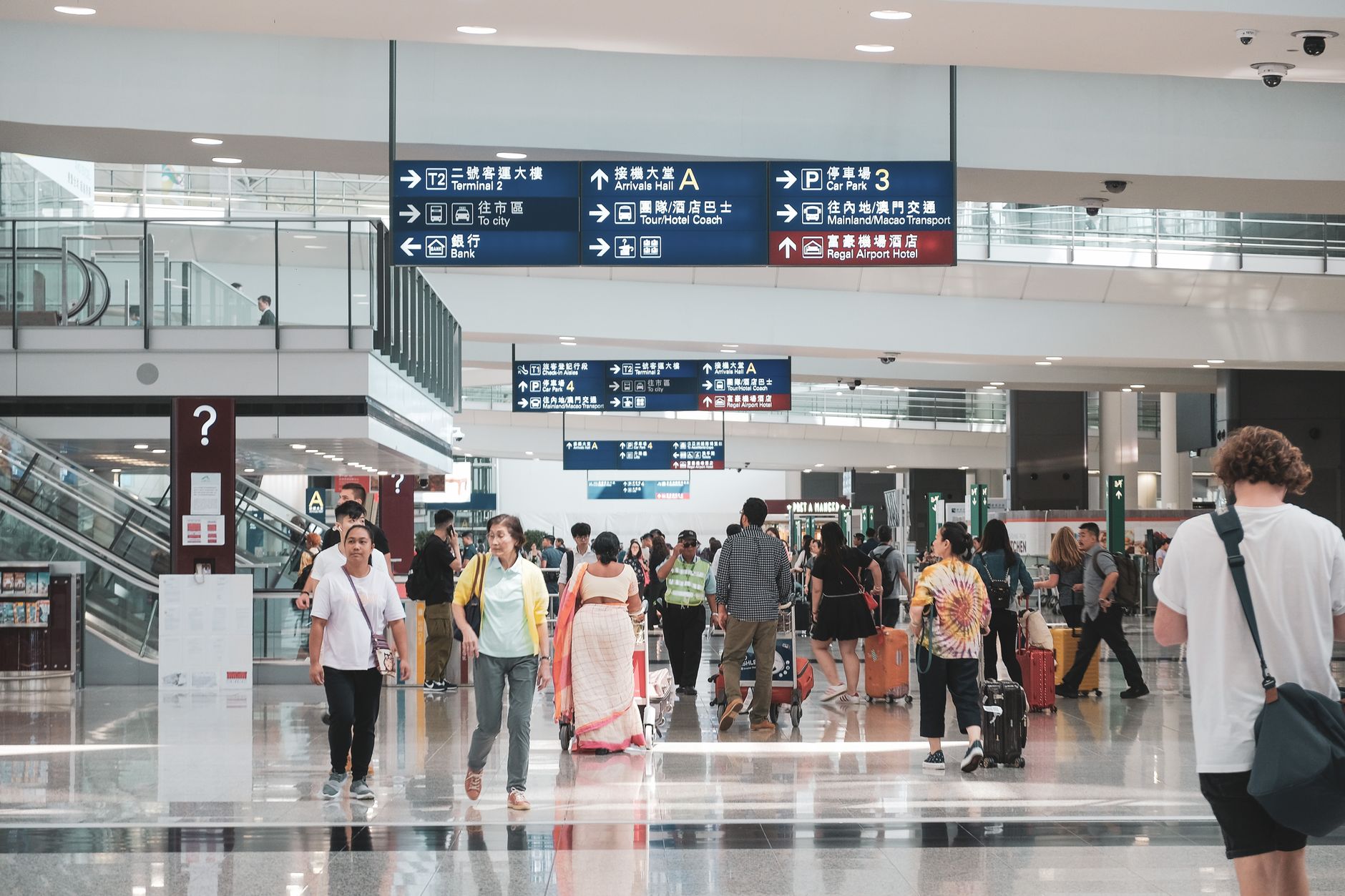
Both terminals have dedicated e-hailing pickup zones. Following the signage in the arrival hall is the most reliable way to find them.
- Exit the arrival hall and look for signs marked “e-hailing” or “Grab.”
- Once you confirm a booking in the app, you’ll be given a specific pickup point number. Match that number to the signage as you make your way there.
- Pickup zones differ in location and floor level between terminals, so take a moment to check the signs calmly after you land rather than rushing.
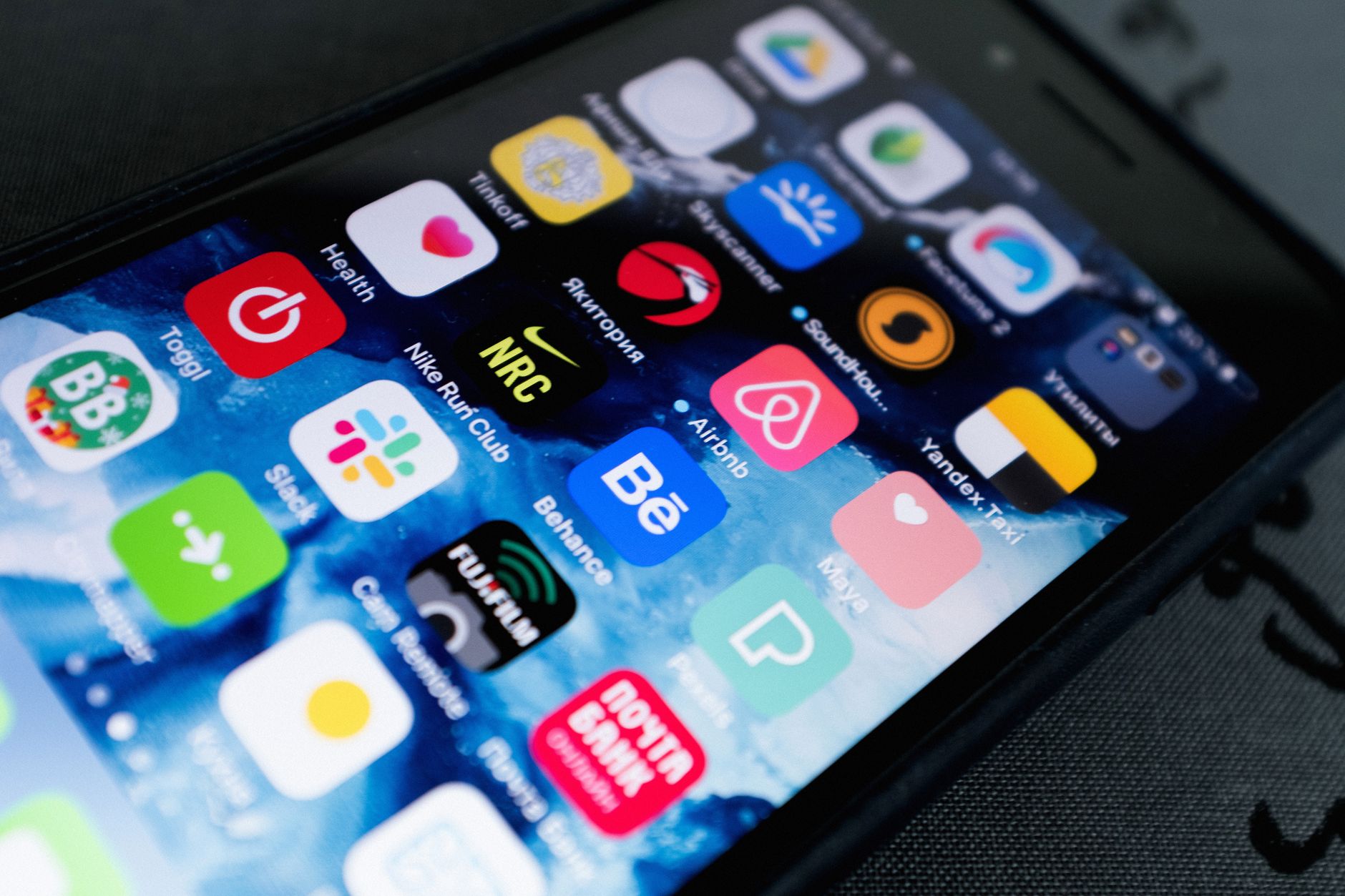
How Do You Get Connectivity Right After Landing?
Connectivity is where many travelers get stuck. It’s common for visitors to rely solely on the airport’s free Wi-Fi to book a ride, only to find the connection too unstable for the app to load — especially in the crowded arrival hall, where the free Wi-Fi can be patchy.
If you set up an eSIM in advance, you can launch Grab on your own mobile connection the moment you step off the plane — no need to queue at a counter for a physical SIM card. With an eSIM app like Saily, you can load a plan onto your phone before you leave home and start using data the instant you land in Malaysia. Using referral code “DOMUEH5022” gets you a discount worth about US$5 off standard plans, or US$10 off the Ultra plan.

Which Payment Method Is Safest: Credit Card, Cash, or E-Wallet?
Inside the Grab app you can choose between a credit card, GrabPay (the app’s built-in wallet), or cash.
| Payment Method | Preparation Needed | Recommended for Travelers |
|---|---|---|
| Credit card on file | Register in the app before you leave | ★★★ (least hassle) |
| Cash | Bring some local currency (Malaysian Ringgit) | ★★ (a good backup if card payment fails) |
| GrabPay (in-app wallet) | May require a local top-up method | ★ (extra steps for a short trip) |
For a short trip, registering a credit card before you leave home is by far the simplest approach. There’s no need to hand cash to the driver, and no back-and-forth over payment. It’s still worth carrying a small amount of local currency in case your card doesn’t go through.

What Should You Expect to Pay?
Grab shows you the confirmed fare on screen before you book. Since it fluctuates with distance, time of day, and demand, it’s better to get into the habit of checking the on-screen price each time rather than trying to remember a fixed amount.
- Always check the quoted fare before you tap to confirm the booking.
- Rain, rush hour, and major events all tend to push demand — and prices — higher than usual.
- If the quoted price seems too high, waiting a few minutes and searching again sometimes brings it down.
What If the Driver Doesn’t Show Up or Can’t Find You?
The most reliable fix is to use the in-app chat to tell the driver exactly where you are.
- In large buildings like airports or shopping malls, give a specific landmark — an exit number, a pillar number, anything precise.
- If the map pin doesn’t match your actual location, drag it to the correct spot.
- If the driver doesn’t show up within a reasonable time, or you can’t reach them, cancel in the app and book again.
All of this depends on having a stable connection. Making sure the app runs smoothly from the moment you land is, in the end, the best way to avoid these problems altogether.
When Should You Use Other Options (Other Ride-Hailing Apps, LRT/MRT)?
When Grab is hard to book, or in areas with heavy traffic, combining it with the rail network is worth considering.
- Kuala Lumpur has a well-developed LRT and MRT network connecting most major sightseeing areas.
- There’s also a direct rail link from the airport into the city, letting you skip road traffic entirely.
- Other ride-hailing apps operate in Malaysia too, so if one is slow to respond, trying another can be a useful backup.

Rather than relying on a single mode of transport, switching between options depending on the situation will make your time in Malaysia go much more smoothly.
Frequently Asked Questions
Does the Grab app work in English by default?
Yes — English is one of the standard display languages in the Grab app. It usually follows your phone’s system language setting, so if the app doesn’t show up in English automatically, check your phone’s language settings, or switch the in-app language manually from the menu before you arrive.
What if I want a taxi instead of Grab from the airport?
Most airport arrival halls have a taxi counter where you buy a coupon before heading to the taxi rank. Just follow the signage in the arrival hall to find it.
Can I top up GrabPay with a foreign card?
Topping up the in-app wallet sometimes requires a local payment method. For a short trip, paying by credit card directly is usually simpler and avoids this issue entirely.
Is it easy to get a Grab late at night?
Wait times vary a lot by time and location. If you’re traveling late at night, it’s a good idea to book your ride a little earlier than you think you need to, to allow for extra waiting time.
What should I check when the Grab car arrives?
Always match the license plate number and driver’s name shown in the app against the actual vehicle and driver before you get in.
Should I set up an eSIM before leaving home?
If you want to use Grab the moment you land, yes — loading an eSIM plan onto your phone before departure means you’ll have working data as soon as you’re off the plane.
Summary
Grab is the go-to way to get around Malaysia. Complete your account registration and add your card details before you leave, and set up an eSIM for data, so you can book a ride the moment you land at the airport. Look for the arrival hall signage to find the pickup point, and registering a credit card is the simplest payment method. If you can’t reach your driver, use the in-app chat to share a landmark, and keep LRT/MRT in mind as a backup depending on the situation.
Related Articles
- Malaysia in September 2026: Weather, What to Wear, and Haze Season
- Malaysia’s August 2026 Public Holidays and How to Build a 10-Day Break
- A Family Trip to Malaysia in the Summer Holidays: Kuala Lumpur and Beyond
- Malaysia’s East Coast Island Resorts: Redang, Perhentian, and Tioman
- Malaysia Travel Guide for July 2026: Weather, What to Wear, and Events
- Top 10 Activities in Malaysia: Jungle, Islands, and Theme Parks
- Complete Guide to Moving to Malaysia: MM2H Visa, Cost of Living, and Education
- Golden Week in Malaysia: A 4-7 Day Itinerary, Budget, and Weather
Photo credits
- Photo: Angelyn Sanjorjo / Pexels
- Photo: Beto Mendes / Pexels
- Photo: ready made / Pexels
- Photo: kg Ong / Pexels
- Photo: Sewupari Studio / Pexels
- Photo: limoo / Pexels