
Malaysia eSIM Guide (2026): How to Choose & Discount Code
This article contains promotional links.
If you want internet the moment you land in Malaysia, an eSIM beats a physical SIM. There’s no queue at the airport counter and you can finish setup before you even leave home. This guide covers the difference between eSIM and physical SIM, how to choose a data plan, connectivity on the outer islands, and how to claim a discount with Saily’s referral code — all from a resident’s point of view.

eSIM or Physical SIM: Which Works Better in Malaysia?
If you want to get online as soon as you arrive, an eSIM is the more convenient option. There’s no card to swap and no need to wait at an airport counter.
On a compatible device, you can download the eSIM profile before you leave, so you don’t lose time on setup once you land. A physical SIM, on the other hand, needs to be bought at a local shop or airport counter and physically inserted into your phone. If you’re heading to an event in Kuala Lumpur in October, you’ll need internet the moment you arrive to check routes and use local transport apps. If your schedule follows Malaysia in October 2026: Weekly Events & Deepavali Prep, having your eSIM ready in advance makes moving around on the day much smoother.
- Want to get online immediately on arrival → eSIM is more convenient
- Need a local phone number → consider a physical SIM
- Travelling across multiple countries → an eSIM with wide regional coverage helps
- Your device doesn’t support eSIM → a physical SIM is your only option
- Want to travel light → an eSIM wins since there’s no card handling
| Item | eSIM | Physical SIM |
|---|---|---|
| How to get it | Download via app before departure | Buy at the airport or a convenience store |
| When to set up | Before departure or after arrival | Must collect at a counter after arrival |
| Phone number | Many plans don’t include one | Usually comes with a local number |
| Swapping hassle | None (compatible device required) | Physical card swap required |
| Loss risk | No physical card to lose | Risk of losing or damaging the card |
For family trips with children, or itineraries with a lot of movement like the one in Family Malaysia Itinerary for Summer Holidays: Kuala Lumpur & Nearby Spots, the advantage of setting up in advance and cutting day-of hassle is even bigger with an eSIM.
How Do You Choose the Right Data Plan and Size?
Work backwards from your trip length and how much you’ll rely on maps and social apps to decide on data size.
eSIM plans are usually sold as a combination of data allowance (GB) and validity period (days). If you’re not streaming much video and mainly using maps and messaging apps, a smaller allowance is enough. If you post a lot of video to social media or search routes on ride-hailing apps frequently, it’s safer to choose a plan with some buffer. Exact pricing varies by provider and by season, so check the official site right before you buy for the latest plans.
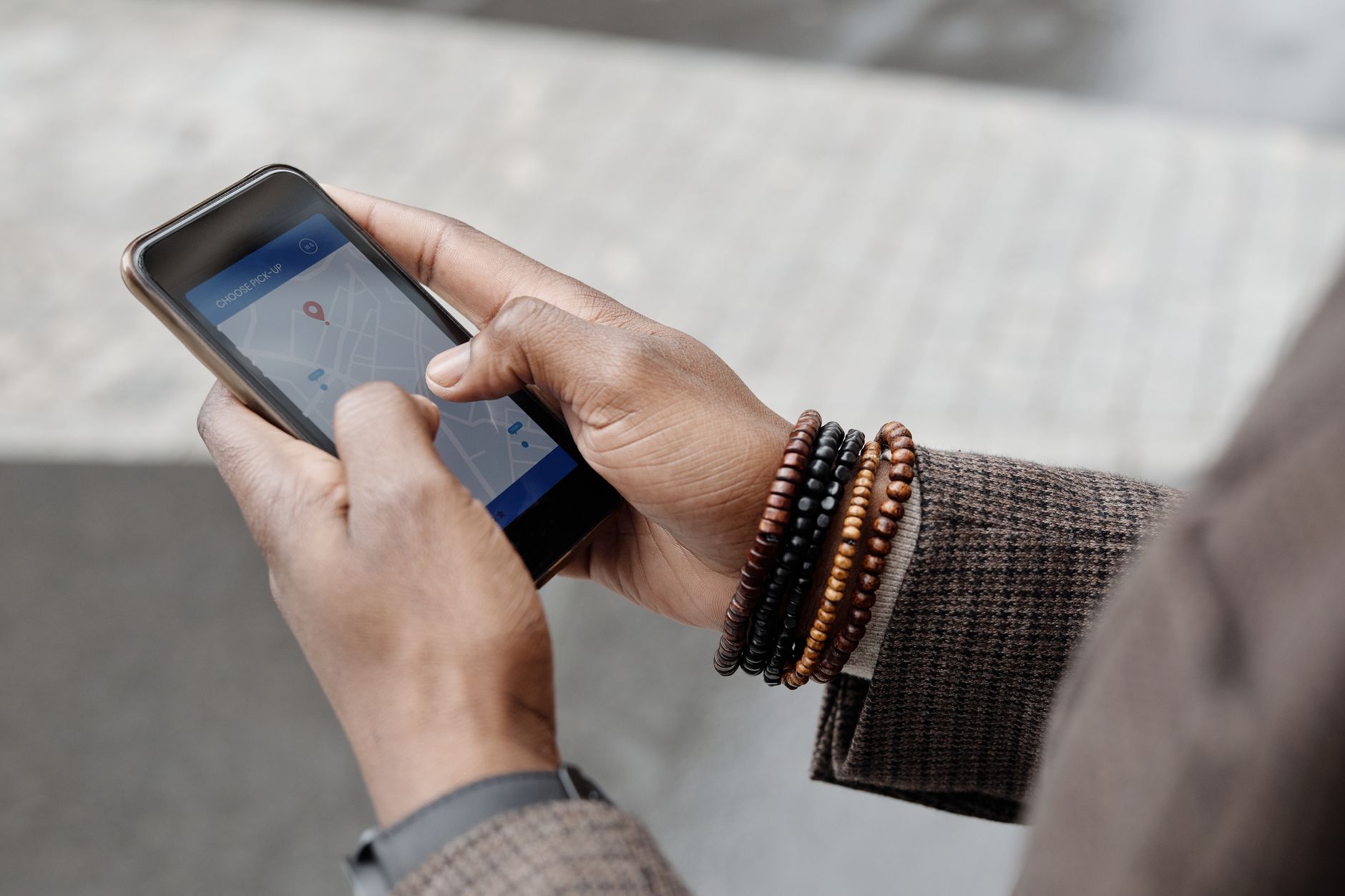
- Trip length: a short 4–7 day trip as in Malaysia Travel Guide for a Short Holiday needs less validity than a longer stay like the one described in Malaysia’s August Holidays and How to Build a 10-Day Break
- Number of devices you’ll connect at once (check if tethering is allowed)
- How often you’ll stream video or post to social media
- Whether you need calling, or data-only is fine
- Whether an unlimited plan is available
If you can’t decide on data size in advance, one option is to start with a smaller plan and top up locally if you need more. This flexibility matters more the less fixed your itinerary is.
How Do You Get Online the Moment You Land?
Install the eSIM profile before departure, then simply turn on mobile data after you arrive.
Here’s the setup sequence:
- Before departure, download and install the eSIM profile using home Wi-Fi or airport Wi-Fi
- Add the eSIM under “Mobile Data” settings so you can switch your preferred line later
- After arriving in Malaysia, turn off airplane mode and activate the eSIM line
- If data doesn’t connect right away, try toggling airplane mode or restarting your device
For itineraries where you want to check parade routes or fireworks venues the moment you land — like the plans in How to Enjoy Malaysia Day on September 16 or Merdeka Day (Malaysia’s Independence Day) Complete Guide — having internet ready the second you leave the airport keeps things moving smoothly. Since installing a profile in advance doesn’t use any data until you activate it, there’s no downside to setting it up early.
Does Coverage Reach Langkawi and the Outer Islands?
Compared with cities, some island and mountain areas have weaker signal. It’s worth checking coverage for your specific destination in advance.

Islands like Redang, Perhentian and Tioman, covered in Malaysia’s East Coast Island Resorts: Redang, Perhentian & Tioman, are said to have patchy signal in certain areas. For activities that take you deep into nature — jungle trekking or island snorkelling, like those featured in Top 10 Popular Activities in Malaysia: Jungle, Islands & Theme Parks — it’s safer to plan around the possibility of losing signal in some stretches.
- Major cities are generally said to have stable coverage
- Islands and mountain areas can have dead zones depending on location
- Check each provider’s coverage map for your specific destination before you go
- Downloading offline maps in advance helps when signal is weak
If you’re staying at an island resort, it’s also worth confirming whether the property has its own fixed Wi-Fi as a backup for times when mobile signal is weak.
Is There a Discount Code You Can Use?
Yes — using Saily’s referral code gets you a discount at checkout.
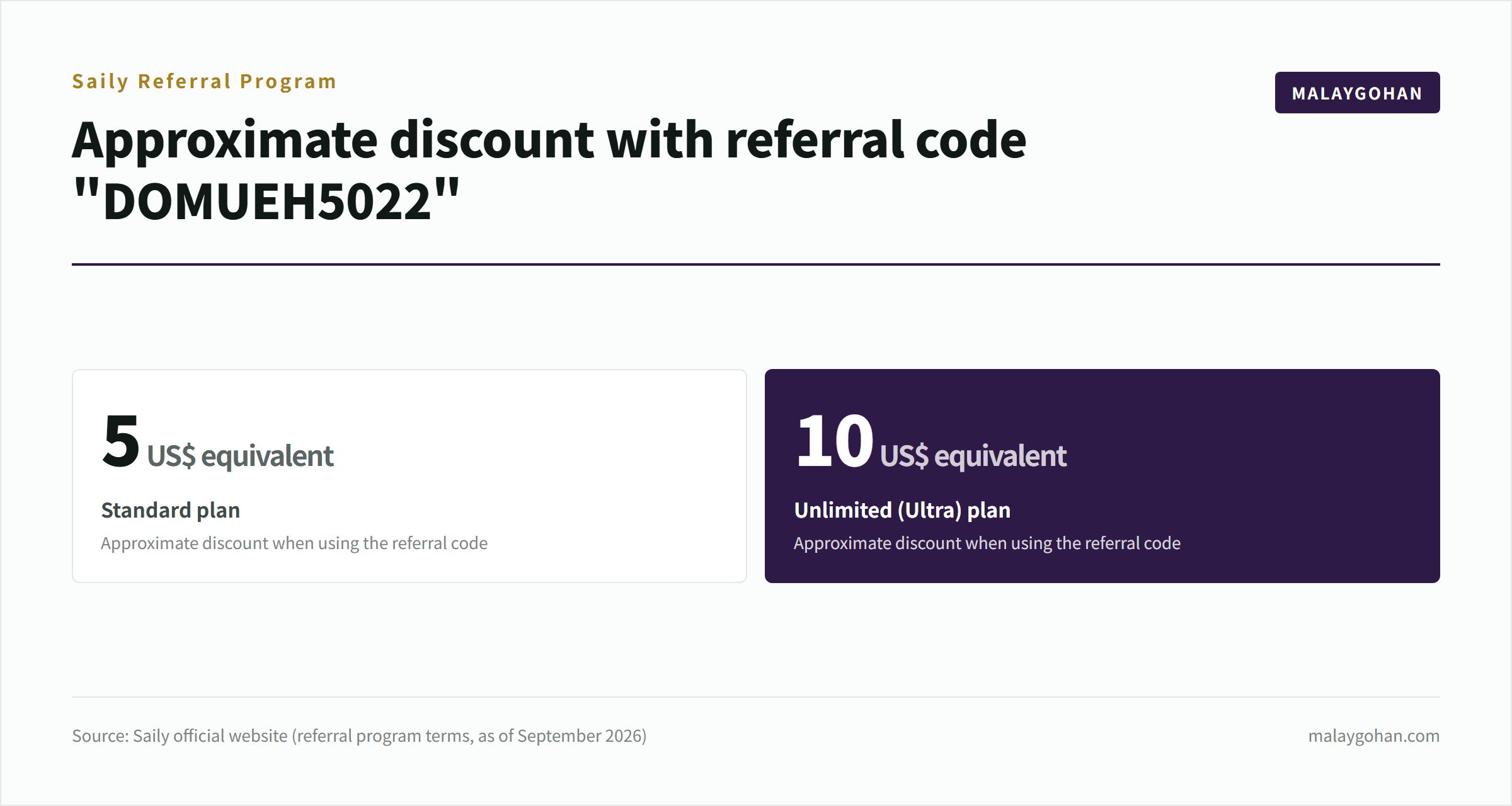
Entering the referral code “DOMUEH5022” at Saily gets you a discount worth about US$5 on the Standard plan, or about US$10 on the Unlimited (Ultra) plan (as of September 2026). Terms can change, so always check the official site for the latest details before you buy. Note that this referral code is part of MALAYGOHAN’s own referral program and has no bearing on the comparisons or explanations in this article.
Having working data the moment you arrive also helps when you’re using maps to find halal-certified restaurants, like those covered in What Is Halal? Malaysia’s Food Culture & 10 Popular Halal Dishes. Before you leave, it’s also worth checking Malaysia Weather Guide for September: Rain, Haze & What to Wear so you can prepare both your packing list and your connectivity together.
You can sign up for an eSIM on Saily’s official site. Enter the referral code at checkout.
Frequently Asked Questions
How do I check if my device supports eSIM?
Go to your settings and look under “Mobile Data” or “SIM” for an option to add an eSIM. If that menu exists, your device supports it.
Is it okay to set up the eSIM before I depart?
Yes, that’s fine. Installing the profile in advance doesn’t use any data — it only starts counting once you activate the plan after arrival.
Do I need a phone number?
Data-only eSIM plans often don’t come with a local phone number. If you need to make calls, check separately whether the plan supports it.
Generally, one profile is tied to one device, so sharing a single eSIM across multiple people isn’t supported.
How long is Saily’s referral code valid?
Terms can change, so check Saily’s official site for the latest information before you purchase.
What should I do if the connection is unstable?
Toggling airplane mode on and off, or restarting your device, usually resolves it. If not, fall back on Wi-Fi in the meantime.
Summary
For travel to Malaysia, an eSIM that works the moment you land is the default choice. Work out your data size and validity period from your trip length and expected data use, then simply activate the setup you finished before departure once you land. Some islands and mountain areas have weak signal, so it’s worth checking coverage maps in advance. Using Saily’s referral code “DOMUEH5022” gets you a discount at checkout.
You might also like
Photo credits
- Photo: Mohammed Alim / Pexels
- Photo: Theo Decker / Pexels
- Photo: Tuan Vy Spotter / Pexels
- Photo: Castorly Stock / Pexels
- Photo: Shakil Ahmed / Pexels